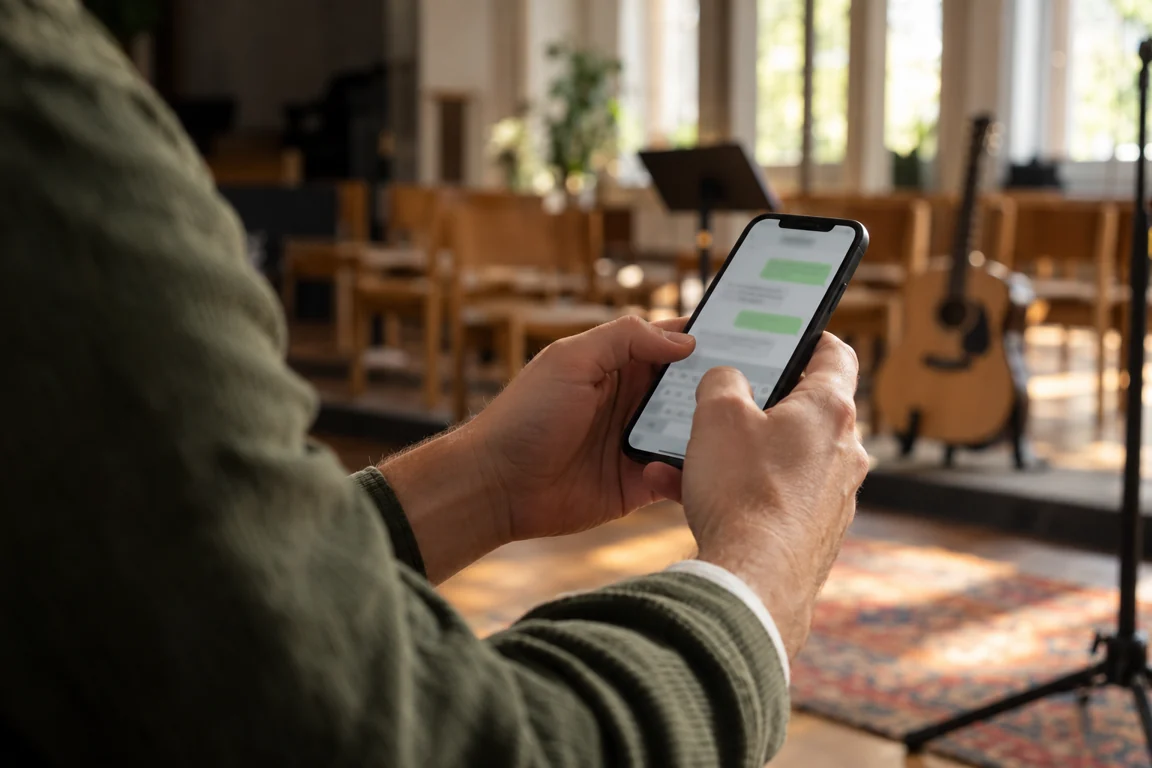
Know Who’s Coming. Before Your Weekend Services.
Volunteer confirmations and reminders by text. Your team replies on the phones they already use, and every confirmation lands in Planning Center.
No app for volunteers. Planning Center stays your source of truth.Your Team Gets Scheduled… But Who Actually Confirmed?
You built the schedule. You sent the emails. And still on Saturday night: “Wait, am I on this week?”
- Schedule emails that sit unopened
- Chasing replies one volunteer at a time
- Last-minute gaps you find too late
- Answers scattered across texts, calls and chats
 With Confirmed.Church
- Reminders go out by text
- Volunteers confirm or decline with a reply
- Every answer lands in Planning Center
- Your team sees who’s coming, together
One Schedule. One Text. Always in Sync.
Confirmed.Church connects to Planning Center and turns each scheduled position into a simple text your volunteer can answer.
No new app for your team. No double entry.
Build the schedule in Planning Center as you do today, and every reply flows back automatically.
Set It Up Around Your Schedule
Built Around Planning Center
(Because That’s Where Your Schedule Already Lives)
Your church already plans services and teams in Planning Center. Confirmed.Church adds the conversation around it:
Keep scheduling in Planning Center
Replies flow straight back to the schedule
No double entry. No separate volunteer database.
A Better Experience for Your Volunteers
Meet your team where they already are: in their text messages.
Position, team and time in one short message.
Everything a volunteer needs to answer at a glance.
Works in the messaging app already on their phone.
Replies are saved back to Planning Center.
Conversations in one place
See volunteer replies and follow-ups together, so nothing gets lost in personal phones.
Approvals
Leaders review requests before the schedule changes.
Team collaboration
Staff and team leaders share one view of who’s confirmed.
Text confirmations & reminders
A request when someone is scheduled, a reminder before they serve, and their reply recorded in Planning Center.
Planning Center Stays Your Source of Truth
Confirmed.Church reads your Planning Center Services schedule and writes each volunteer’s answer back to it.
 Confirmed.Church
Your people, teams and plans stay in Planning Center.
Perfect For
 Worship & Band Teams
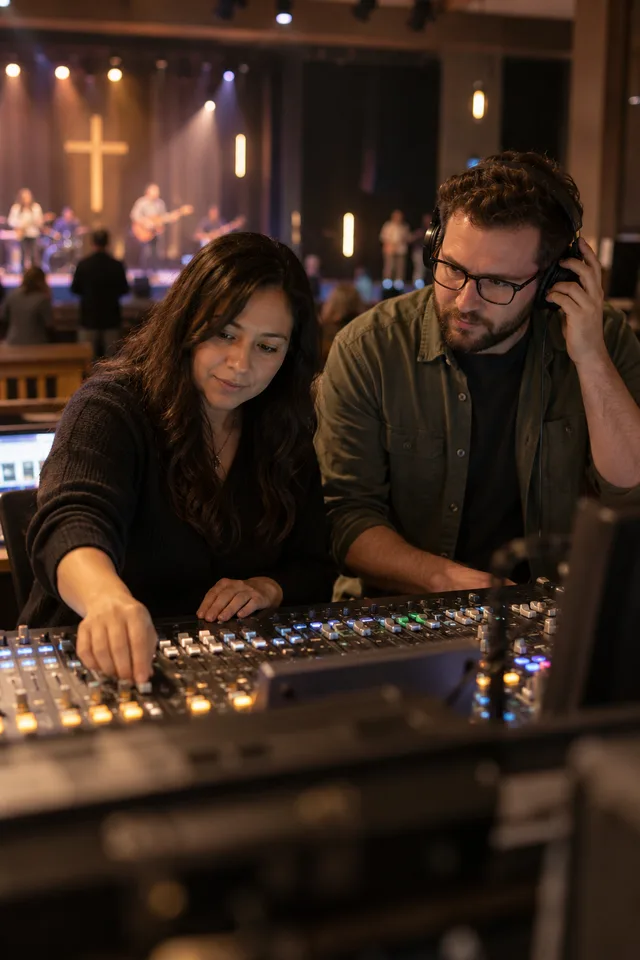 Production & Tech Teams
 Kids & Student Ministry
 Greeters & Hospitality
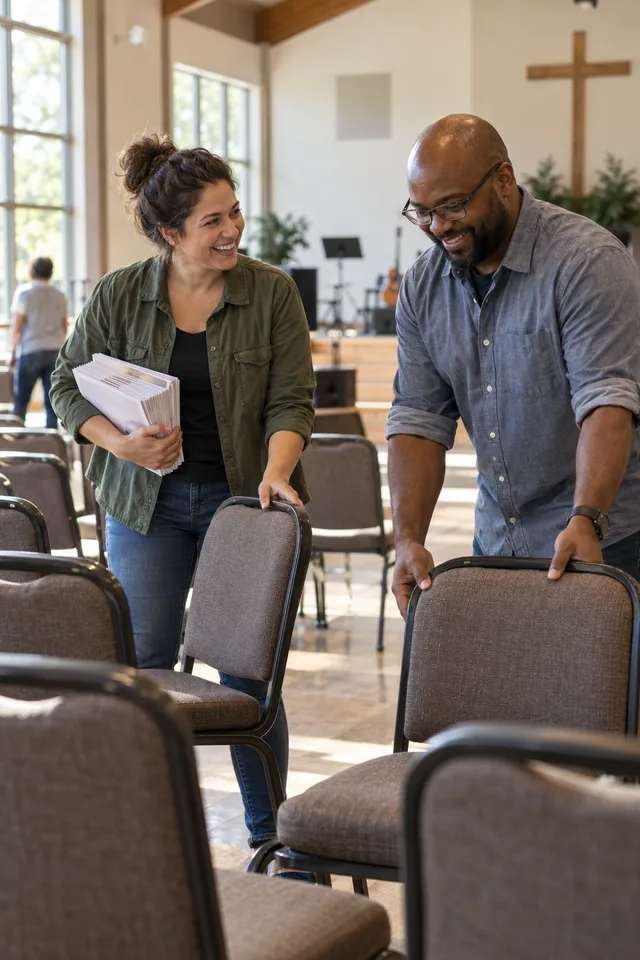 Campus & Service Teams
Thursday rehearsal is set in Planning Center. Each musician gets a text, replies “Yes”, and the worship leader sees the full band confirmed before Sunday.
Stop Chasing Replies. Start Confirming Your Team.
If your schedule lives in Planning Center, you’re already halfway there.
Let Confirmed.Church turn it into simple texts your volunteers will actually answer.